
# How to Edit Audio Files Online
Some artists dish out thousands of dollars on sound engineers and recording studios to achieve professional-level audio. But here’s the secret: you don’t have to. With our completely free sound-editing tool, you can create high-quality audio right from home—no cost, no complexity. It’s packed with powerful features, incredibly easy to use, and proves great sound doesn’t need a big budget.
Although expensive products can be worth the cost, our sound editing tool is completely free, shockingly feature-rich, and has the added benefit of being considerably simpler to use.
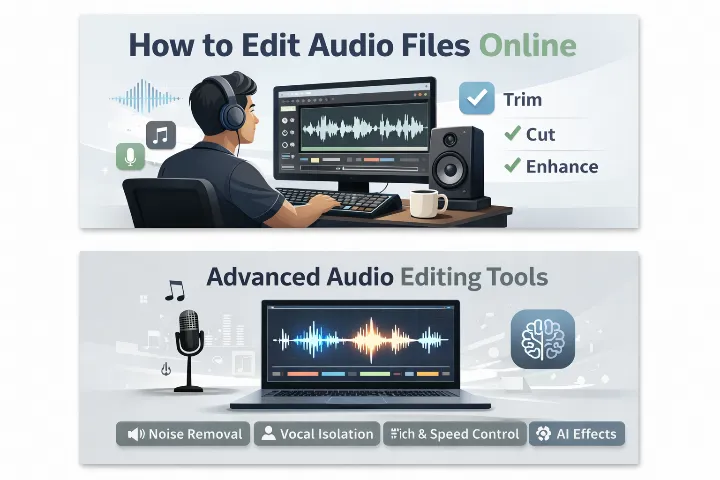
Learn how to edit audio file at safeaudiokit in 2025
SafeAudioKit is a powerful web-based audio editor that works entirely online, with no installation required and no footprint left on your device. It’s ideal for quick edits like trimming clips or removing background noise, but now supports larger projects too, with files up to 300MB and 30 minutes in length. Its powerful AI algorithms speed up the editing process for busy professionals, while the clean interface focuses only on essential tools, making it beginner-friendly.
This powerful online audio editor offers everything you need to restore, refine, and enhance your sound. You can trim clips, adjust BPM, and shift pitch with standard tools, or enhance your sound with Noise Gate, Noise Cancellation, and advanced AI restoration options like Audio Denoise, Wind Remover, and Speech Enhancement. The results are impressively clear for such a simple free tool.
Where SafeAudioKit truly stands out is its powerful one-click AI features. Effortlessly remove or isolate vocals, convert speech to text in multiple languages, and generate natural-sounding text-to-speech voiceovers using advanced AI voices. There’s even an AI sound effects generator that produces three variations from a text prompt, perfect for gamers, podcasters, or filmmakers needing unique audio. SafeAudioKit offers many of these AI tools for free.
What Is Audio Editing?
Audio editing is the process of modifying sound recordings to improve clarity, remove unwanted parts, or change the structure of an audio file. It allows you to enhance sound quality and make your audio more professional and engaging.
Why Edit Audio Files Online?
Online audio editing tools are popular because they are fast, simple, and accessible to everyone. Unlike traditional audio software, online editors do not require downloads, updates, or technical knowledge.
Edit Audio Files Online Easily in 2025
SafeAudioKit is an online audio editor that provides a straightforward means of learning how to edit audio files quickly and efficiently, thanks to its fast processing speed and powerful audio editing tools. Even if you are not tech-savvy, you can easily use the editor as it has no technical barriers; you will be able to record, edit, and publish your own audio files just like a pro.
Advanced Audio Editing Features
SafeAudioKit offers powerful advanced features for online audio editing, making professional-quality sound accessible to everyone.
Key features include:
Smooth audio fade-in and fade-out effects
Automatic silence removal for cleaner audio
Speed control to slow down or speed up audio
Audio looping for seamless repetition
Easy audio format conversion
Precise channel balance adjustment
These features help you create polished, high-quality audio.
Tips for Better Audio Editing
For better audio editing, always start with a clean recording in a quiet environment. Trim unnecessary silence, keep volume levels balanced, and preview your edits before exporting. Avoid over-processing effects, as natural sound feels more authentic. Save your final audio in a high-quality format to ensure clear and professional results.