
# How to Merge several audio tracks into one
When you need to merge several songs into a single composition, the easiest way is to use our Online Audio** **Joiner tool at safeaudiokit. It works in a browser window and you can join MP3 and other format files without installing the software on your computer.
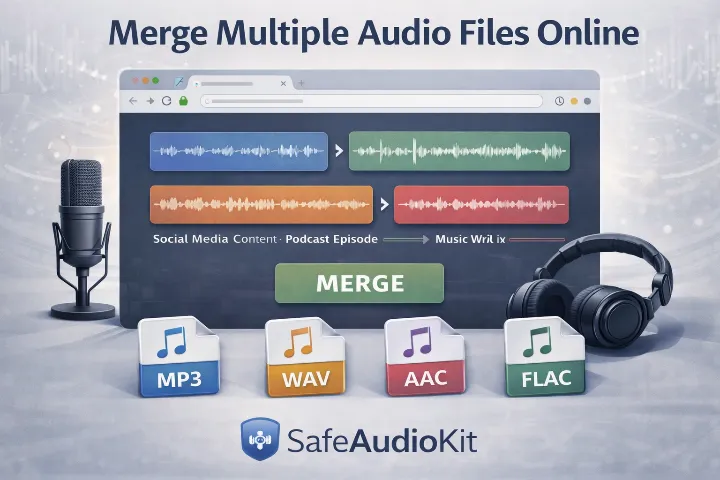
Merge Multiple Audio Files Online
Before learning how to work with audio files, it’s important to understand what they are and how they function. Audio files are digital formats used to store sound data, such as music, voice recordings, and sound effects. These files allow audio to be saved, shared, edited, and played on different devices.
Since we are guiding you from the basics, let’s first understand audio files and the most commonly used formats.
Types of Audio Files
There are mainly four common types of audio file formats, each designed for specific purposes:
WAV
WAV files are the standard audio format used on computers, especially Windows PCs. They store audio in its original, uncompressed form, which results in high sound quality. However, WAV files are large in size and take up more storage space.
MP3
MP3 files use compression to reduce file size while maintaining acceptable audio quality. The compression works by removing sound layers that are less noticeable to the human ear. Because of their small size and wide compatibility, MP3 files are the most commonly used audio format for music and online sharing.
AAC
AAC (Advanced Audio Coding) is the successor to MP3. It delivers better sound quality at lower bitrates, making files smaller without sacrificing clarity. AAC is the default audio format used in Apple devices such as iPhones, iPads, and iTunes.
FLAC
FLAC (Free Lossless Audio Codec) compresses audio files without losing any original quality. Unlike MP3 or AAC, FLAC removes unnecessary data while preserving all essential audio information. This makes FLAC ideal for audiophiles who want high-quality sound with reduced file size.
The Best Way to Join, Merge & Combine Audio Online
In today’s digital world, audio is everywhere. From podcasts and online courses to social media content and professional music production, creators work with audio files every day. Very often, they need to join audio files, merge audio tracks, or combine multiple audio files into one single project.
Whether you recorded a podcast interview in pieces, a music mix in clips, or want to make lecture recordings easy to listen to by combining them all, the result of those recordings is still difficult to combine into one seamless sound. Here are some ways to combine a series of smaller records into one larger record.
How do you transform multiple audio files into a single track without losing quality or wasting time?
With SafeAudioKit, you can ea sily merge, join, and combine audio files online —without installing software, without technical skills, and without paying anything.
👉 SafeAudioKit is a 100% f ree online audio platform designed for creators who want fast, high-quality audio editing directly from their browser.
Merge & Combine Audio Without Losing Quality
SafeAudioKit uses modern audio processing technology to ensure that your merged files keep their original sound quality. Whether you are working with voice recordings or music tracks, the output remains clean and professional.
What You Can Do With SafeAudioKit
Combine multiple audio files into one seamless track.
Trim, cut, and adjust audio files easily.
Add effects to improve sound quality or create creative audio styles.
Convert audio files into different formats while preserving quality.